Step-by-step guide
A) If you already own the Game
1. Go to our registration page:
https://www.twopointhospital.com/register
2. Click on REDEEM WITH STEAM: 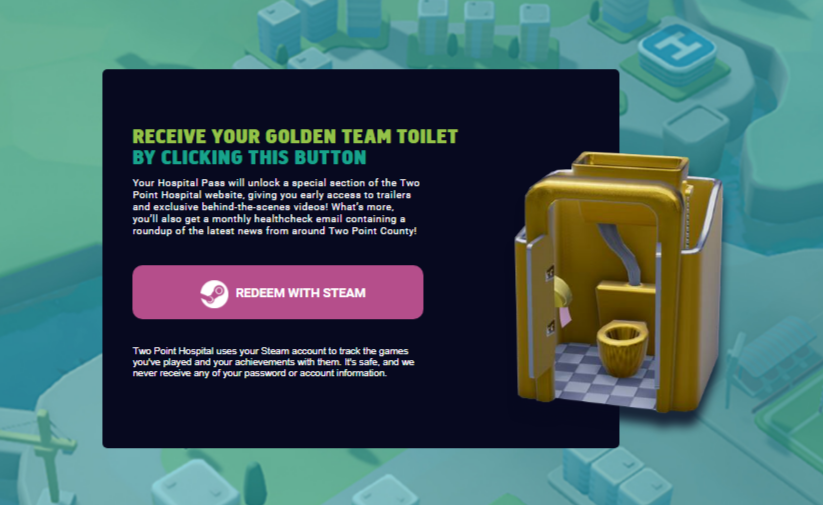
3. Login in with your STEAM Account:
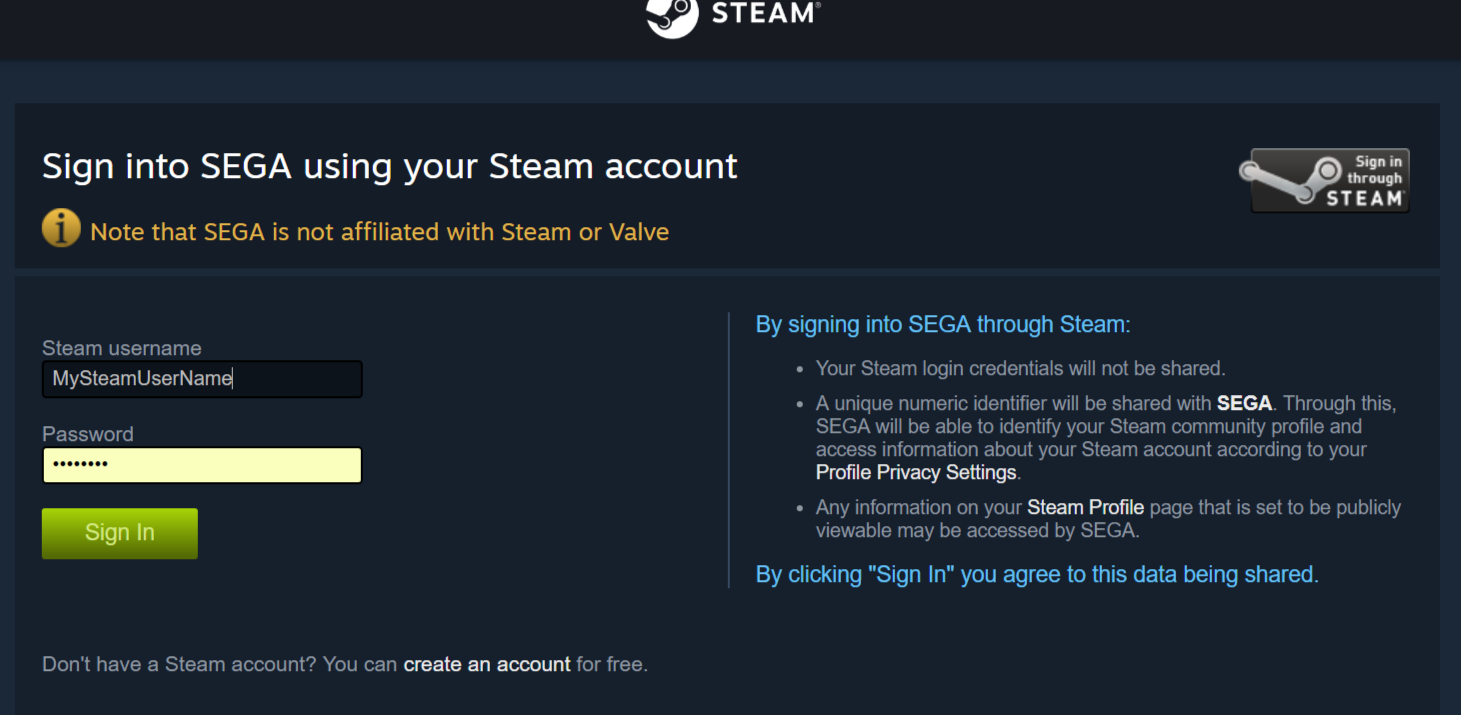
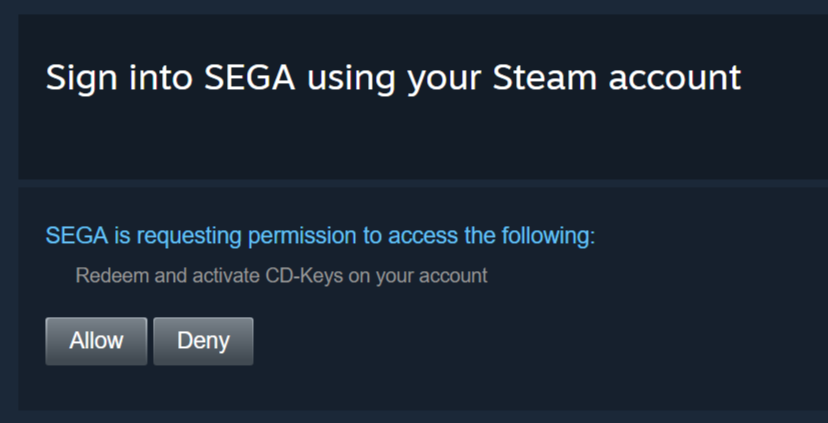
4. Click Allow to allow SEGA to activate the DLC on your STEAM Account:
5. If you already have the Game and a TwoPoint Account a Success message will be shown:
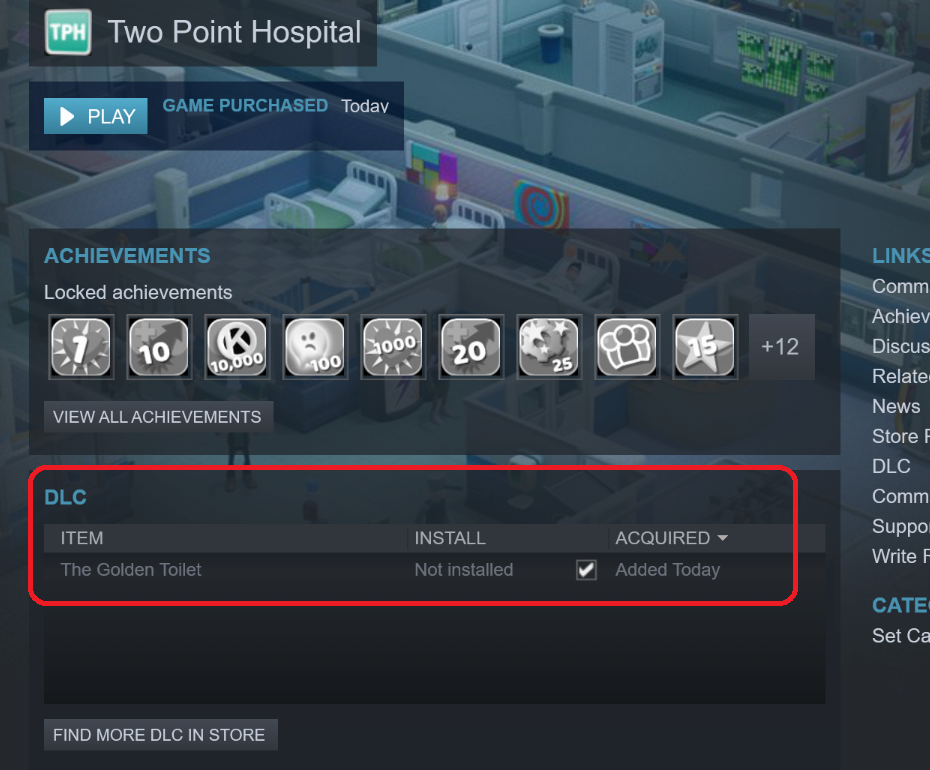
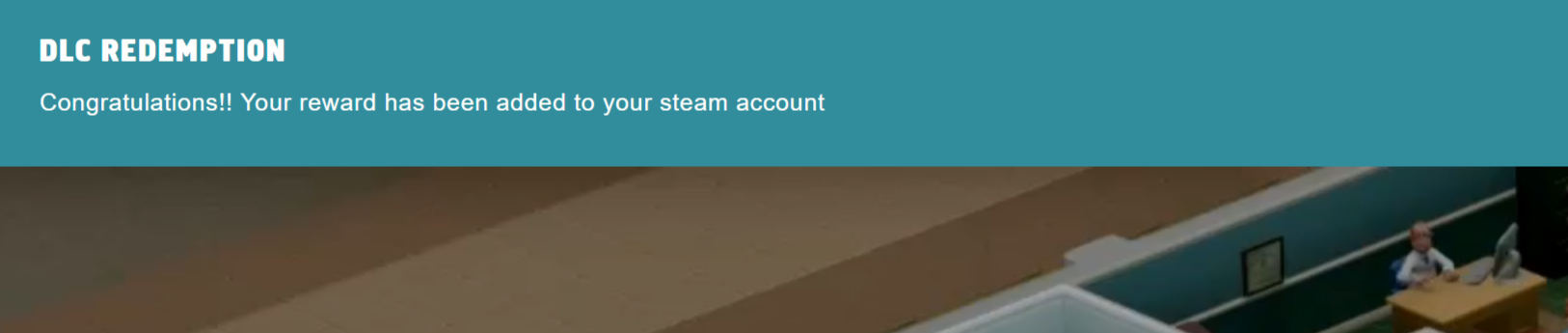 6. The DLC will appear in your STEAM account:
B) If you do not have a TwoPoint Account:
1. Go to our registration page:
https://www.twopointhospital.com/register
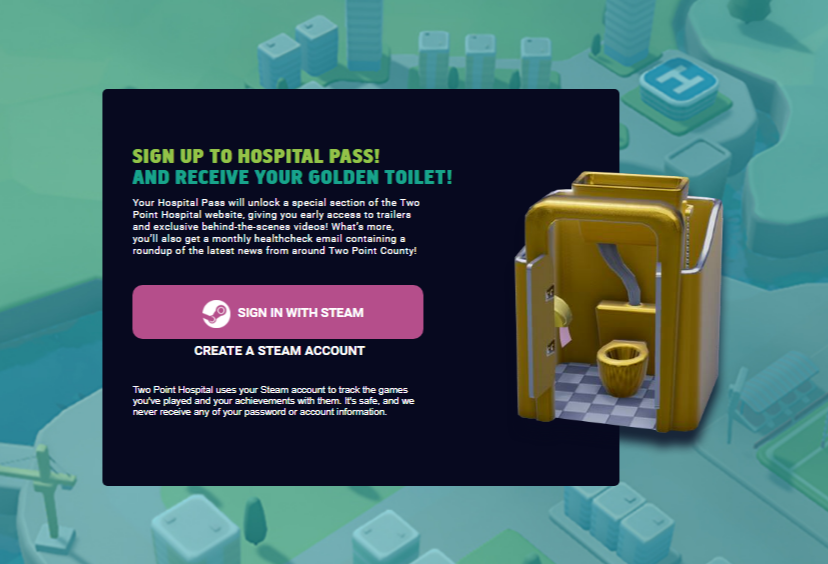
2. Click on SIGN IN WITH STEAM:
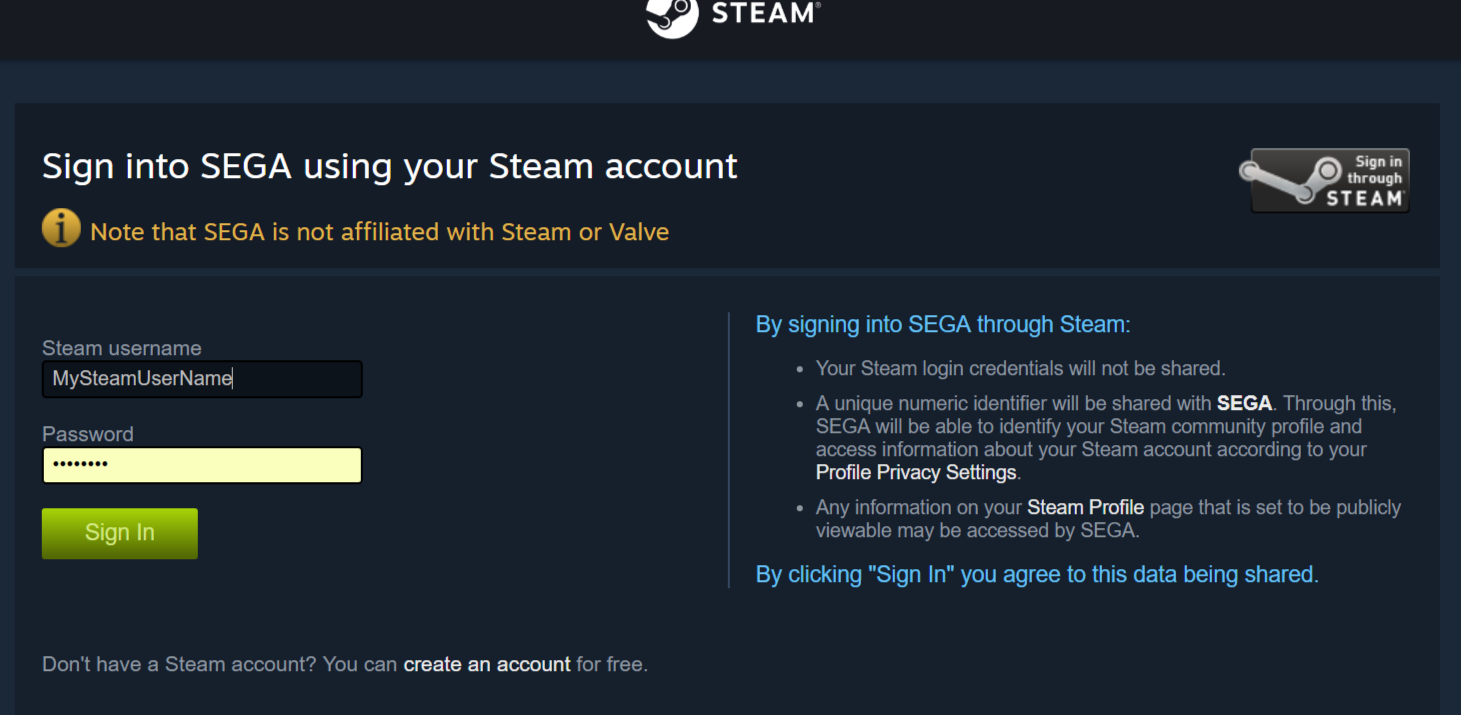
3. Login in with your STEAM Account:
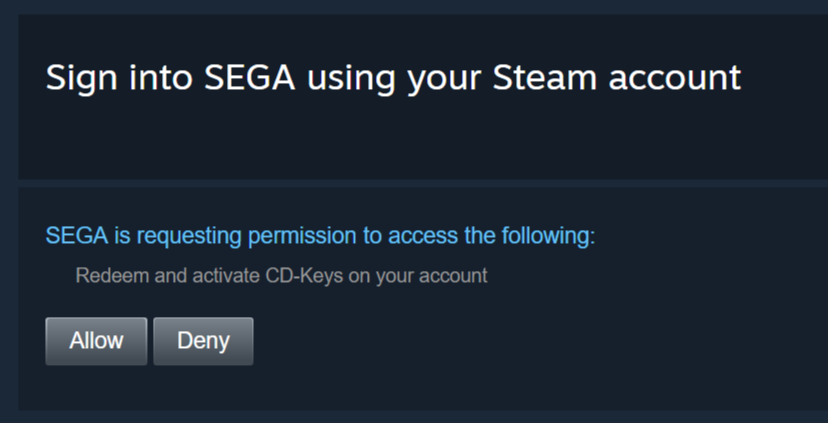
4. Click Allow to allow SEGA to activate the DLC on your STEAM Account:
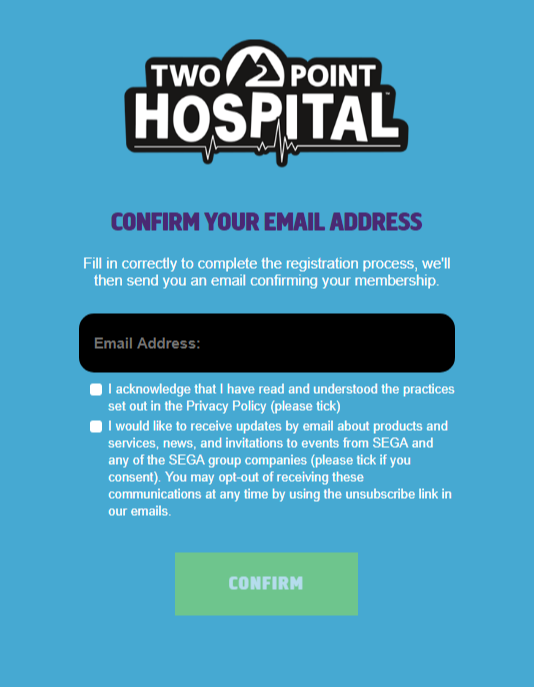
5. Confirm your email address If you do not own a TwoPoint Account:
If you already have the Game and a TwoPoint Account you will be a Success message will be shown:

6. The DLC appear in your steam account:
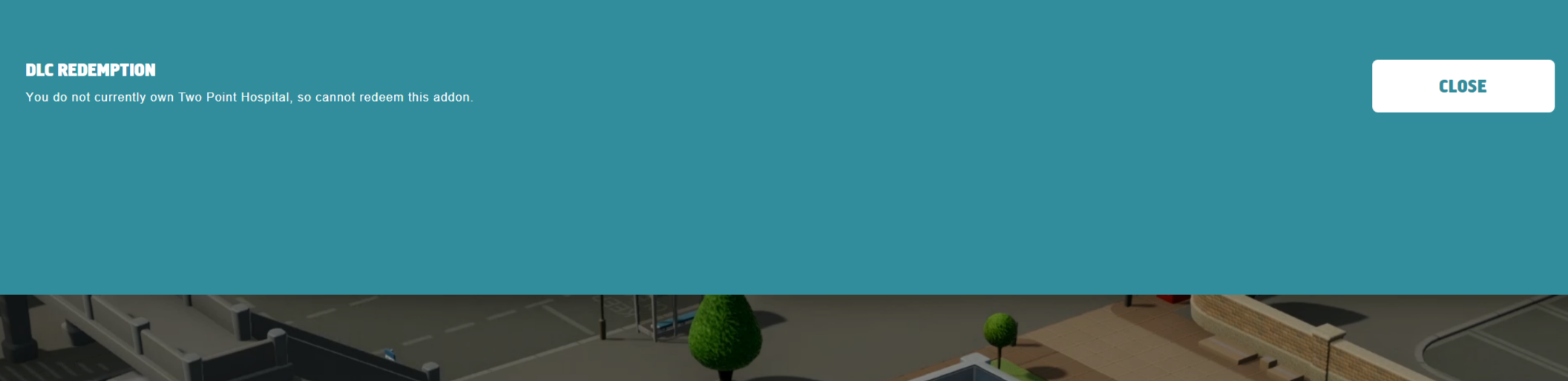
If you do not own Two Point Hospital, you will need to purchase the Game and start the process again to retrieve the DLC:
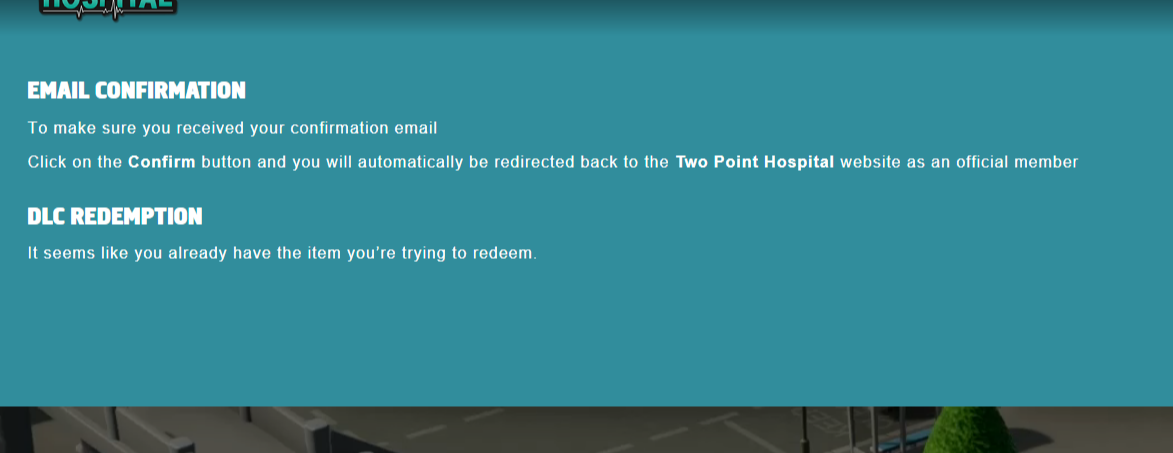
7. If you already own the Game, a message stating that You already own the item you are trying to redeem will be shown:
Any issues/queries, please submit a Support Request for further assistance.